Documentation
Delete a product
This can be used to remove product from website. To delete a product:
Access the Product Actions
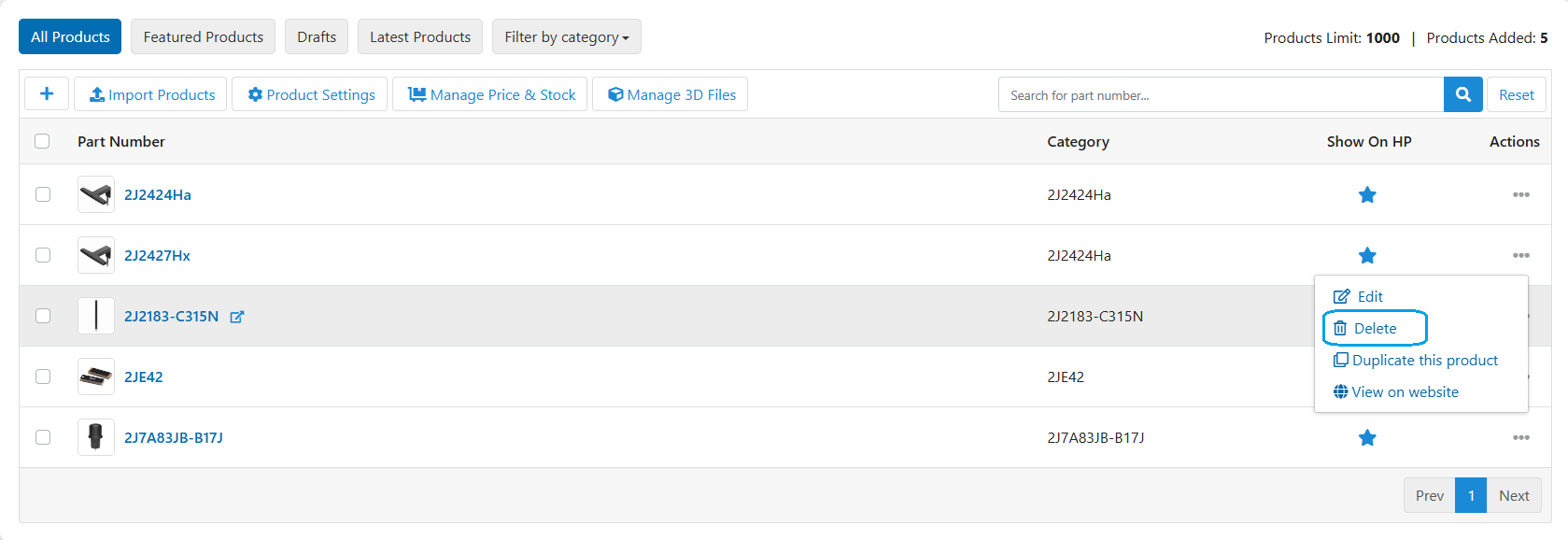
a. Click on Products from the administrator menu and select All Products. The next page will list all of the products on your website.
b. Click on the three dot icon on the right hand side of the product you want to delete.
Confirm the Deletion
a. Click Delete.
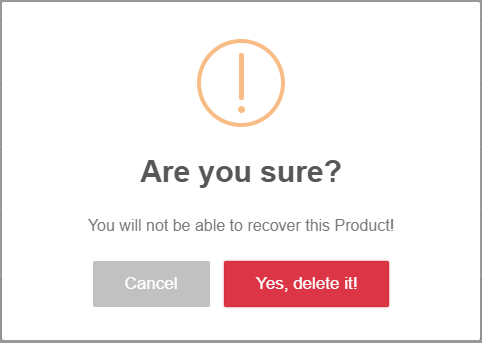
b. In the confirmation dialog, click Yes, delete it! to permanently delete the product.