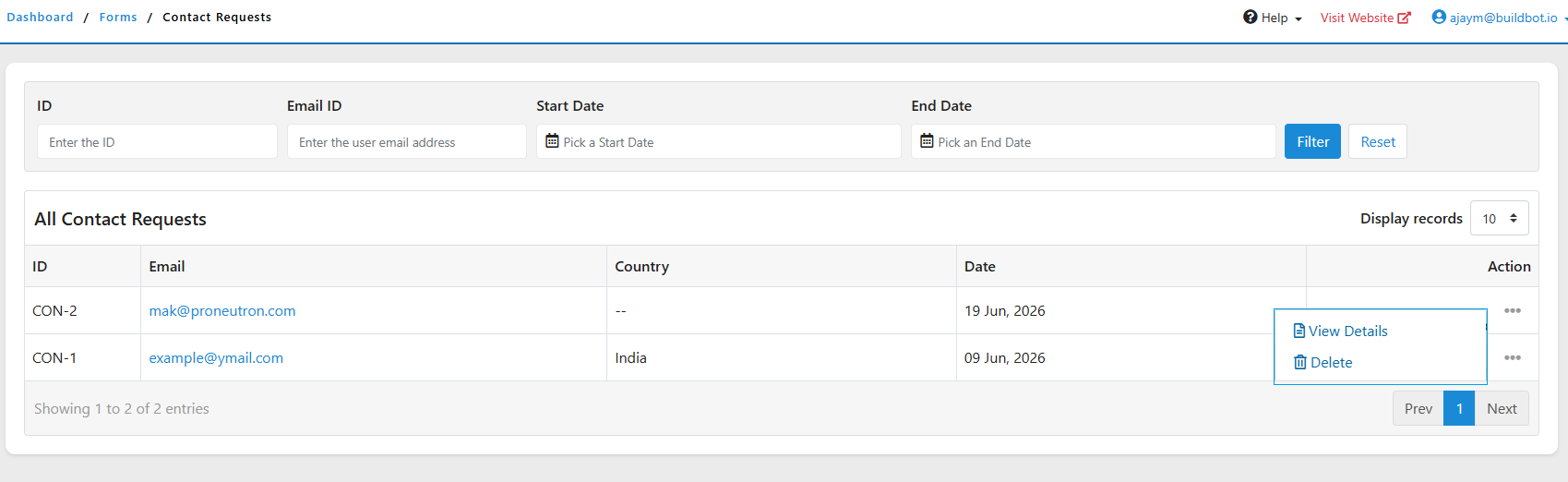
Contact Requests
The Contact Requests section allows you to view and manage enquiries submitted through the website's contact form.
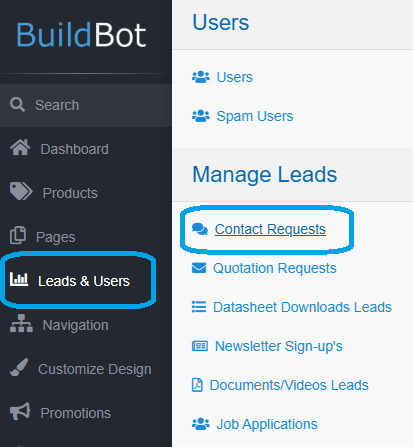
In the admin panel, Click on Leads and Users, then Click on Contact Requests.
Available Options
-
Use the available search and filter options to locate specific requests.
- Click Export To Excel to download the request records.
Request List
- Displays the ID, Email, Country, and Date.
Manage a Contact Request
- Click the (⋯) Actions menu next to the required entry to view its details or delete it.